WooCommerce – If you run an online shop, this one’s worth a cuppa and five minutes.
For years, lots of everyday shop features needed an extra plugin. Want customers to filter by brand? Plugin. Want to check whether your order emails are actually being sent? Another plugin.
WooCommerce has been quietly building more of these features into the main software. That means many shops can now do the same jobs with fewer WooCommerce plugins.
Here are six worth knowing about, plus one that’s on the way and one that’s already been and gone.
Why fewer WooCommerce plugins matters
Every plugin adds a little more weight to your website. One or two won’t make much difference. But they add up.
Too many, and pages start to slow down. Updates get trickier, because each plugin has to keep working alongside WooCommerce, WordPress and everything else. And there’s simply more that can go wrong.
Fewer plugins usually means a faster, tidier shop that’s easier to look after. Shoppers notice when pages load quickly, and so does Google.
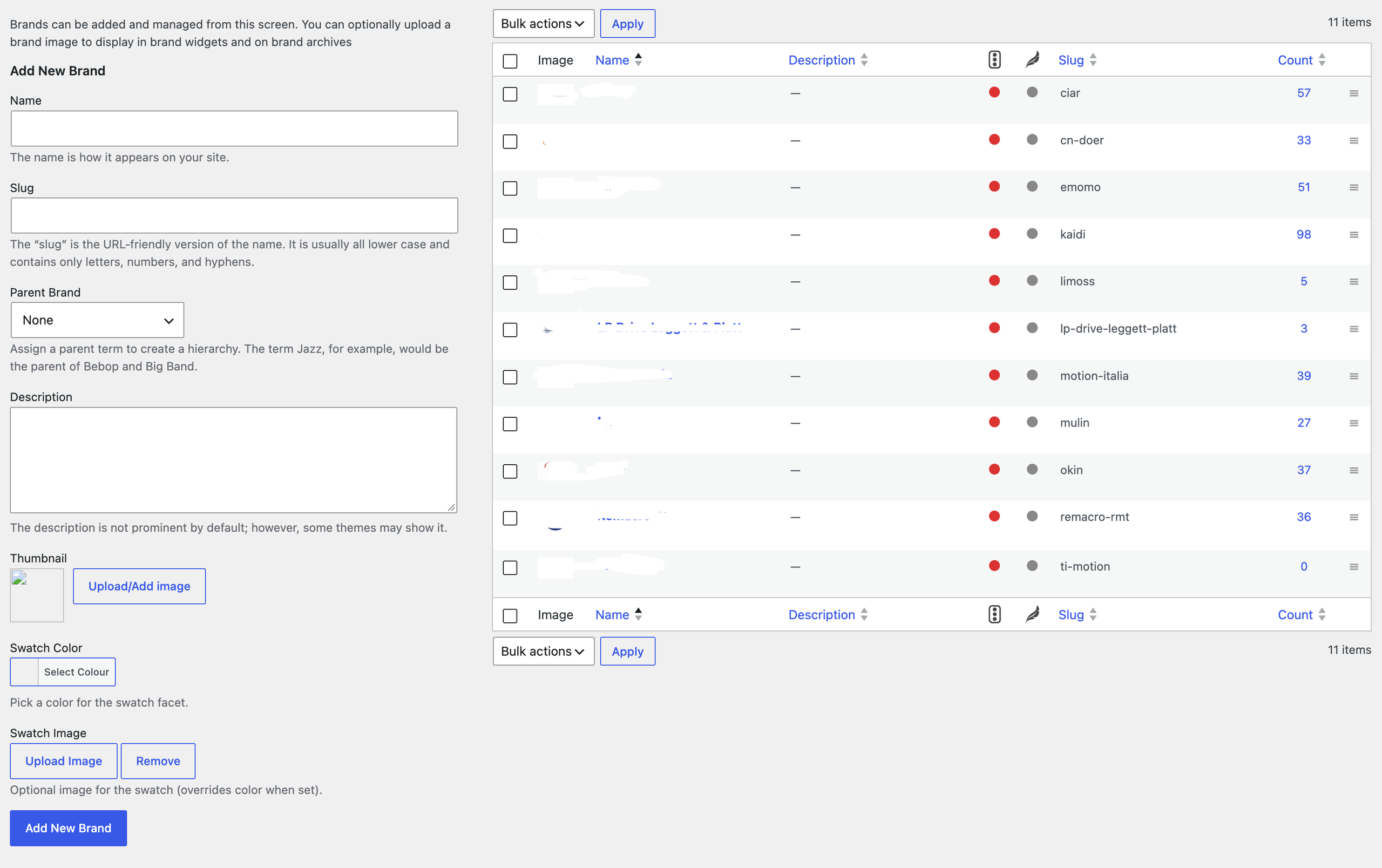
1. Product brands
If you sell products from different makers, you can now group them by brand. Each brand gets its own page, and shoppers can filter by the brands they love.
This used to need a separate Brands plugin. It’s been built into WooCommerce since January 2025 and is switched on for every shop.
If your shop uses a different brands plugin, it’s worth checking before you swap. The two can sometimes clash over the web addresses for brand pages, so it needs doing carefully.
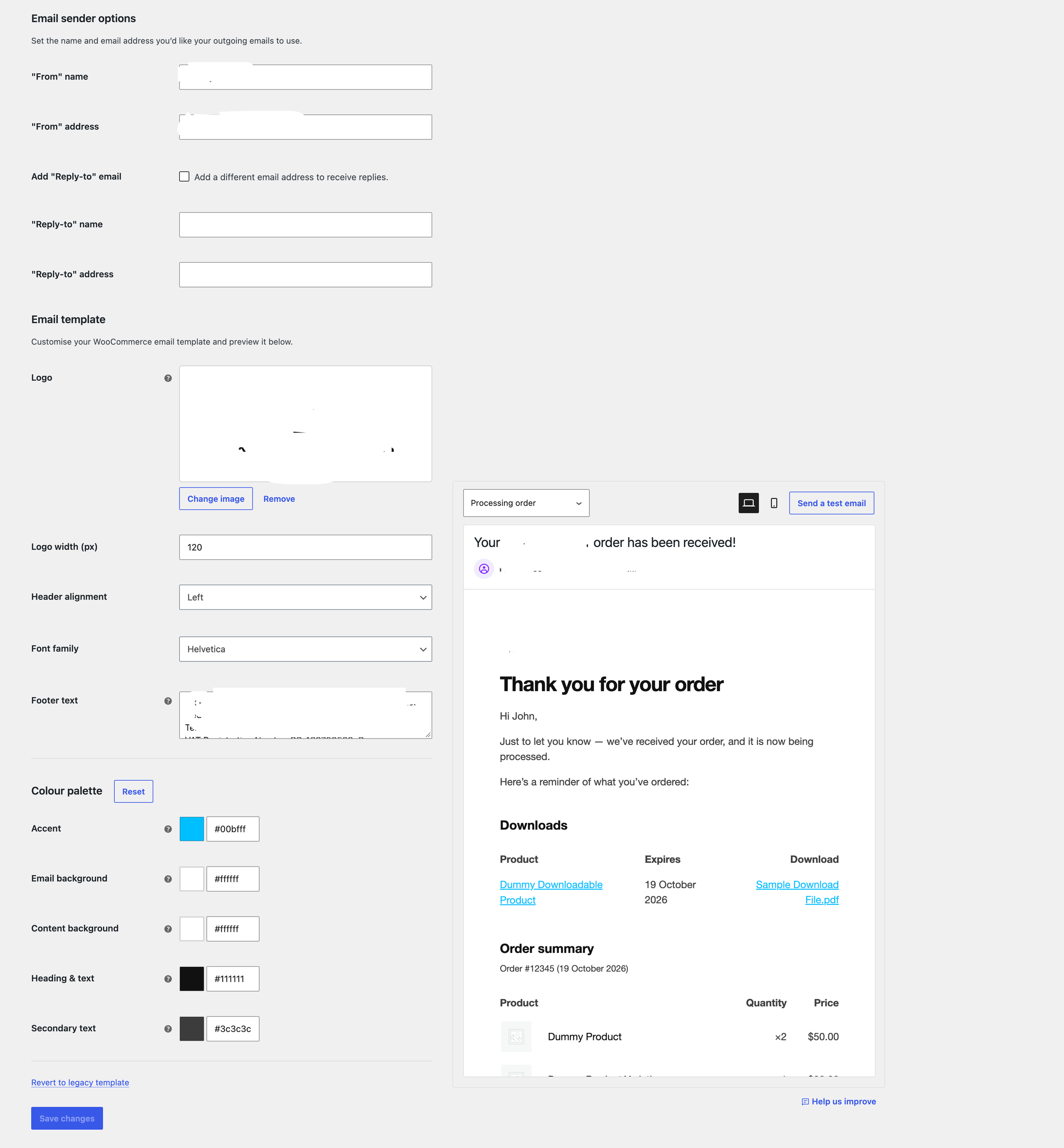
2. A modern email designer
Order confirmations and receipts are often the emails your customers read most closely. For a long time they looked rather plain, and changing them meant code or another plugin.
WooCommerce now has a fresh design for these emails. They can show your logo and pick up your website’s colours and fonts, so they feel like part of your brand.
There’s also a new block based email editor, which works much like editing a page on your website. Even better, if WooCommerce improves its own email templates later, it can apply those updates without wiping your changes.
3. Email logging – WooCommerce
Ever had a customer say they never received their receipt? Before, the only way to find out what happened was to install an email logging plugin.
Since June, WooCommerce keeps its own record of every order email it tries to send, and whether it went through. You’ll find it under WooCommerce > Status > Logs.
It won’t fix email problems on its own, but it makes them much quicker to track down.
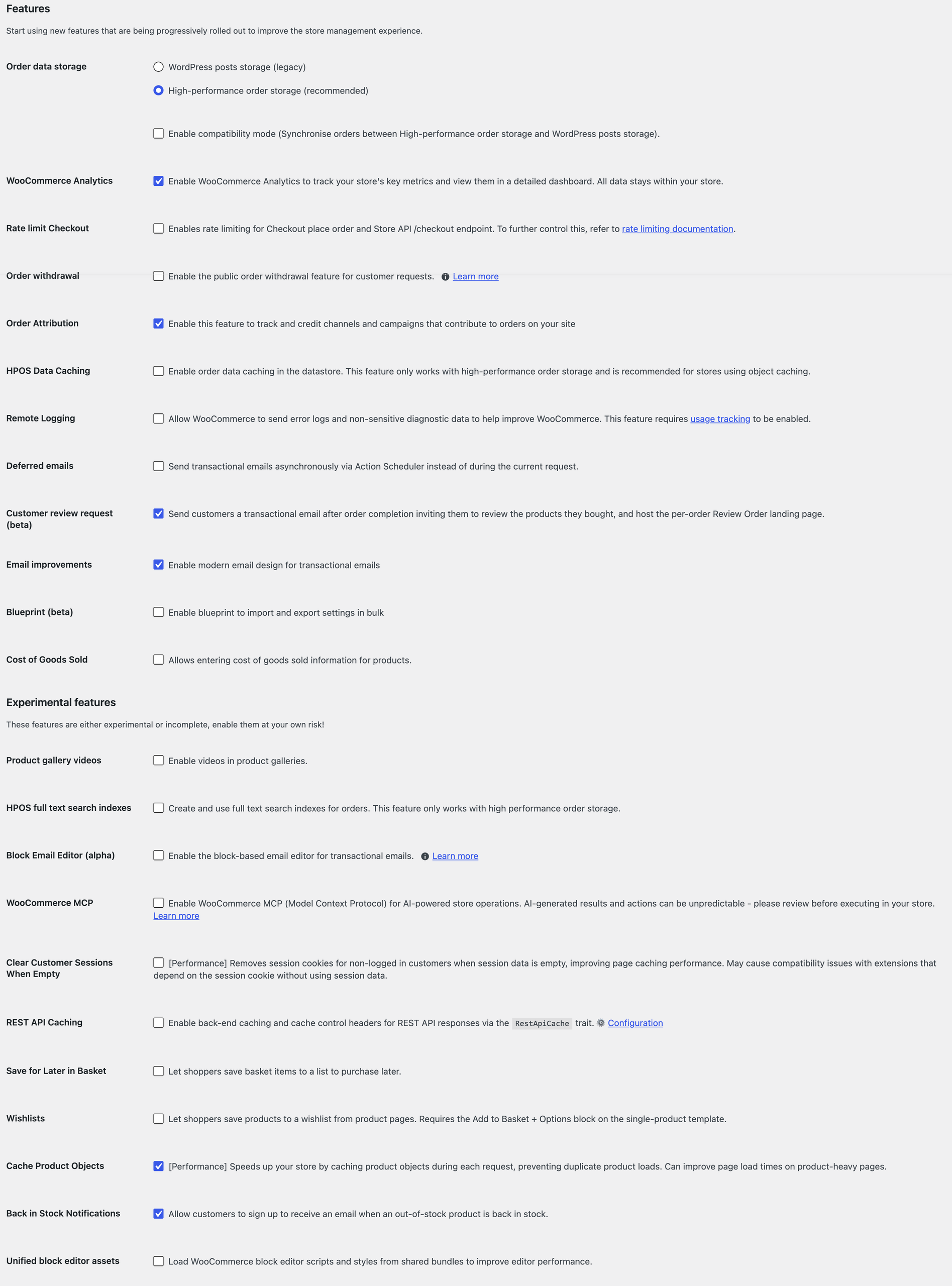
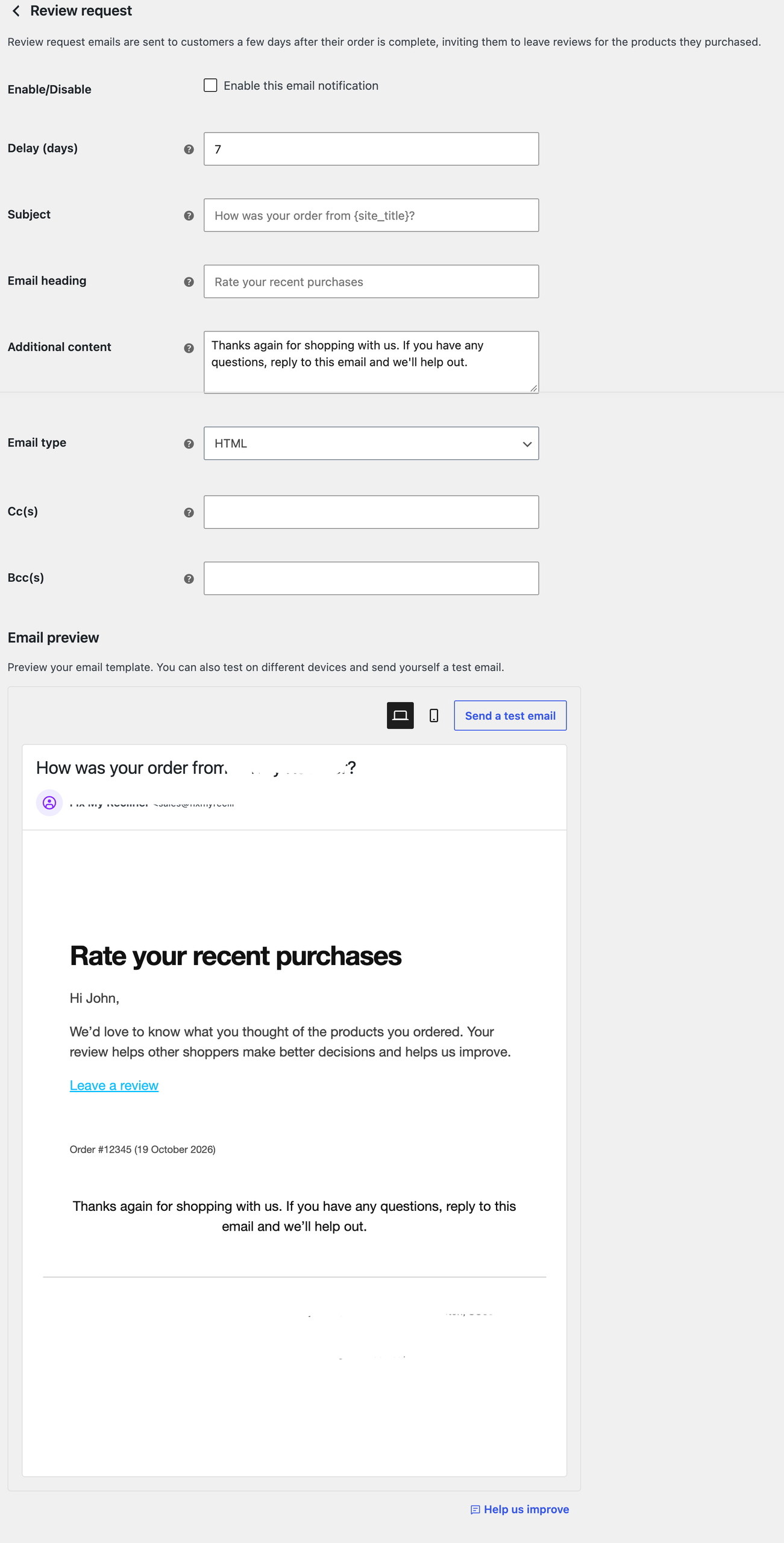
4. Customer review requests WooCommerce (beta)
Reviews are one of the best ways to build trust with new shoppers. The tricky part is remembering to ask for them.
With this feature, WooCommerce sends a gentle nudge a few days after an order is marked as complete. The email links to a simple “Review your order” page where customers can review what they bought in one go.
By default it waits seven days, which you can change to suit how long your deliveries take. It’s switched off until you turn it on, and it’s still in beta.
5. Save for later and wishlists (experimental)
Not everyone is ready to buy straight away. Save for later lets shoppers move items from their basket to a separate list for another day. Wishlists let them save products they love from the product page and find them again in their account.
Both are still at the experimental stage. For now they only work for shoppers who are logged in, and they rely on WooCommerce’s newer block based basket and product pages.
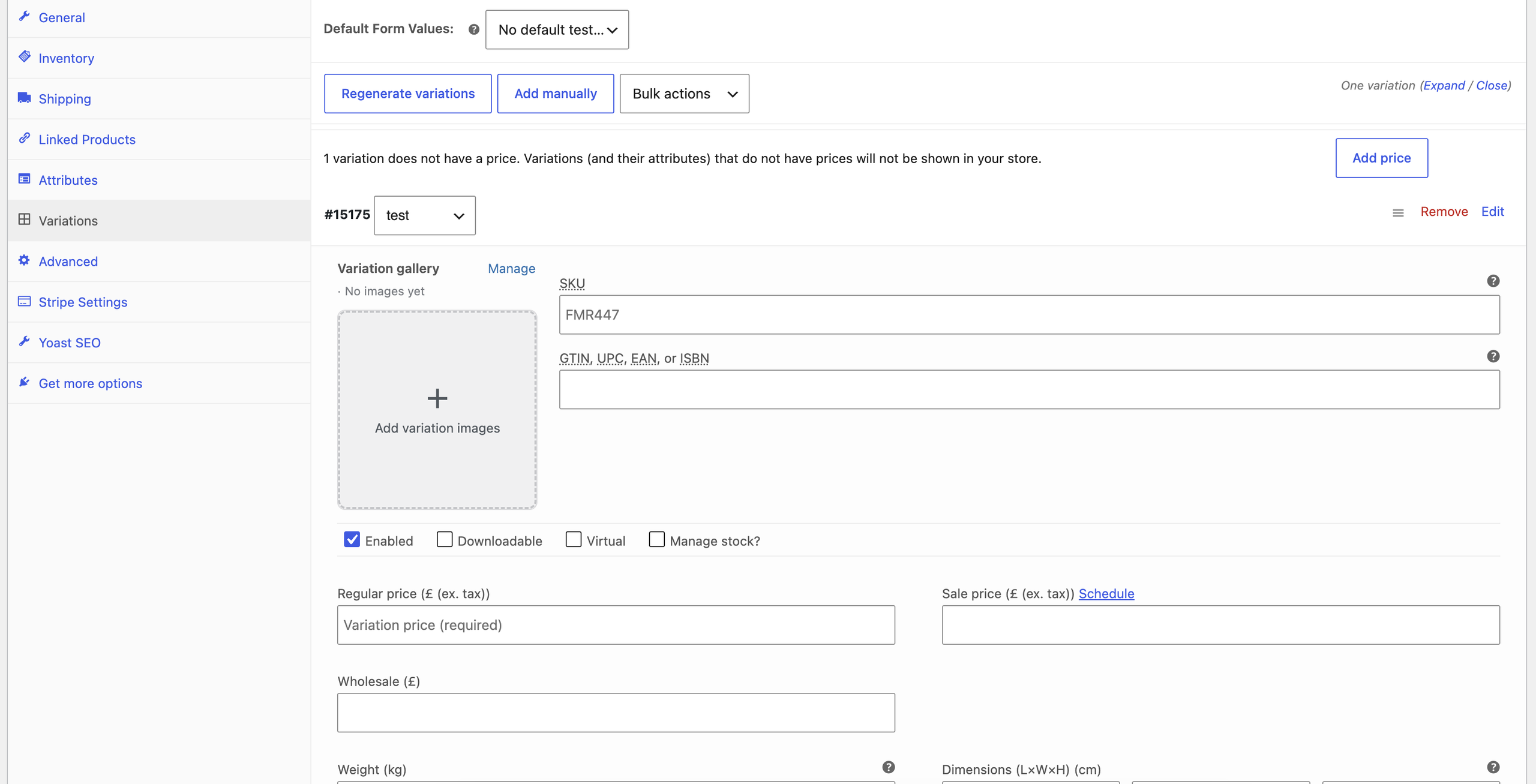
6. Variation image galleries
If you sell a product in different colours or styles, shoppers want to see the exact one they’re choosing. Each variation can now have its own gallery of photos, rather than just one image.
This used to be a job for a plugin too. It arrived in June as an optional feature you switch on in the settings.
On the way: back in stock notifications
WooCommerce is also working on built in back in stock emails, so customers can ask to hear when a sold out product returns.
It’s still in early testing behind the scenes, so it isn’t something shops can switch on yet. If you already use a back in stock plugin, keep it for now.
When the built in version does arrive, moving across will need care. Those sign ups are your customers’ details, and you wouldn’t want anyone’s request to get lost along the way.
Why we always test first
Here’s a good example. Over the summer, WooCommerce added an experimental abandoned cart reminder, a gentle email for shoppers who left items behind.
Then, in the update released on 7 October, it was taken out again. Shops that had switched it on lost those settings and any reminders waiting to be sent. Shops using a dedicated abandoned cart plugin carried on as normal.
That’s exactly why we never switch on a new feature or remove a plugin for a client the moment something new appears. We check what version of WooCommerce the shop is running, test changes on a copy of the website first, move any customer data across properly, and only then tidy away the old plugin.
Some of these features also depend on how your shop has been built. Not every theme or page builder uses WooCommerce’s newer block based pages yet, so what works brilliantly on one shop might need a different approach on another.
Fancy a second pair of eyes on your shop?
You don’t need to go through your plugins list on your own. If you’d like us to take a look at which plugins your shop could happily do without, and which are still earning their place, just get in touch.
With nearly 600,000 eCommerce websites floating around the UK digi-sphere right now, it’s hardly a surprise that many entrepreneurs worry that their online business isn’t up to scratch. Especially if…
Did you feel your online sales dwindling throughout the Summer? Read my latest blog on how to increase your online sales and amp up your business this Autumn. Increasing sales…
Mailchimp offers a whole host of ways to maximise your marketing. Read our guide on how you can use Mailchimp to boost your online store and amplify your sales. It’s…